Help & Guides
What do you need help with?
Choose what you’re working on. We’ll walk you through it with clear steps, videos, and real examples.
Build & prepare your artwork
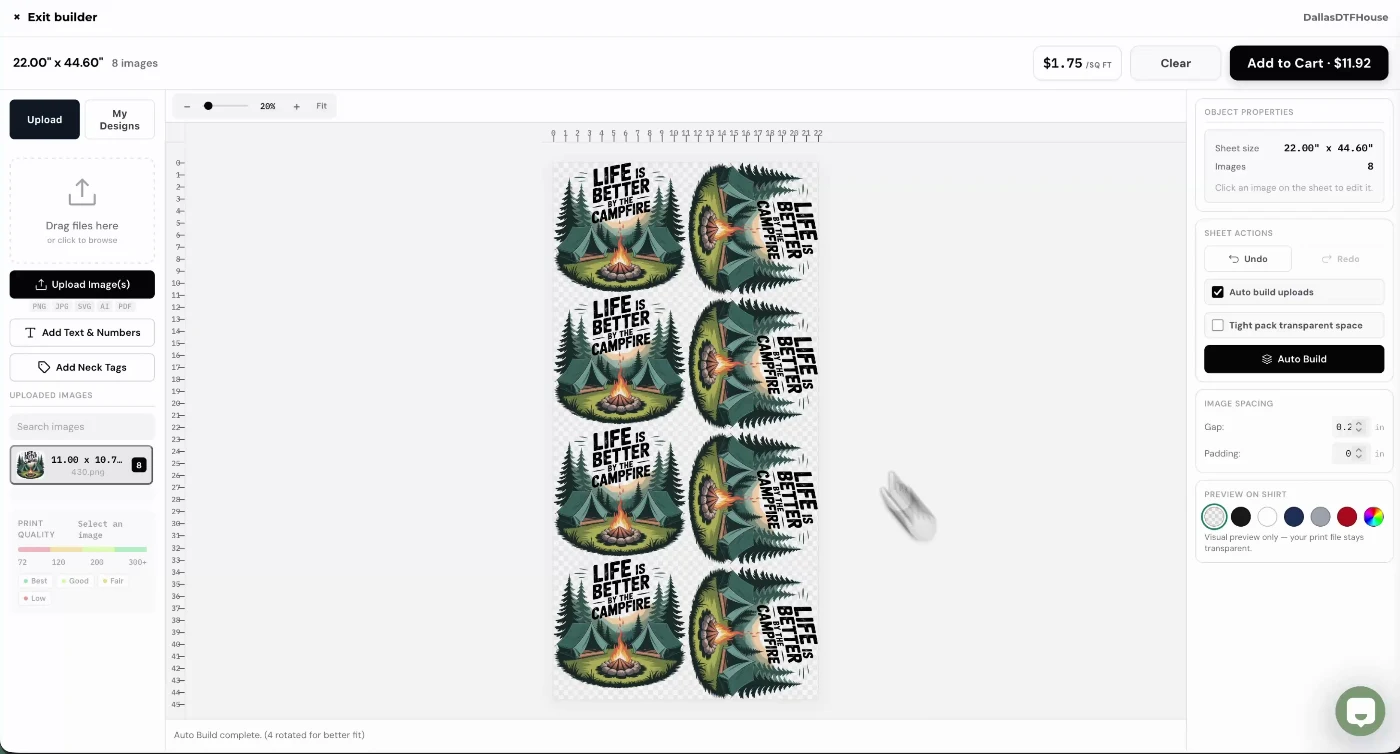
Start here · 41-second video
Build my first gang sheet
Start here if you’re new. Upload artwork, set sizes and quantities, and get your sheet into the cart.
Show me how to build a sheet →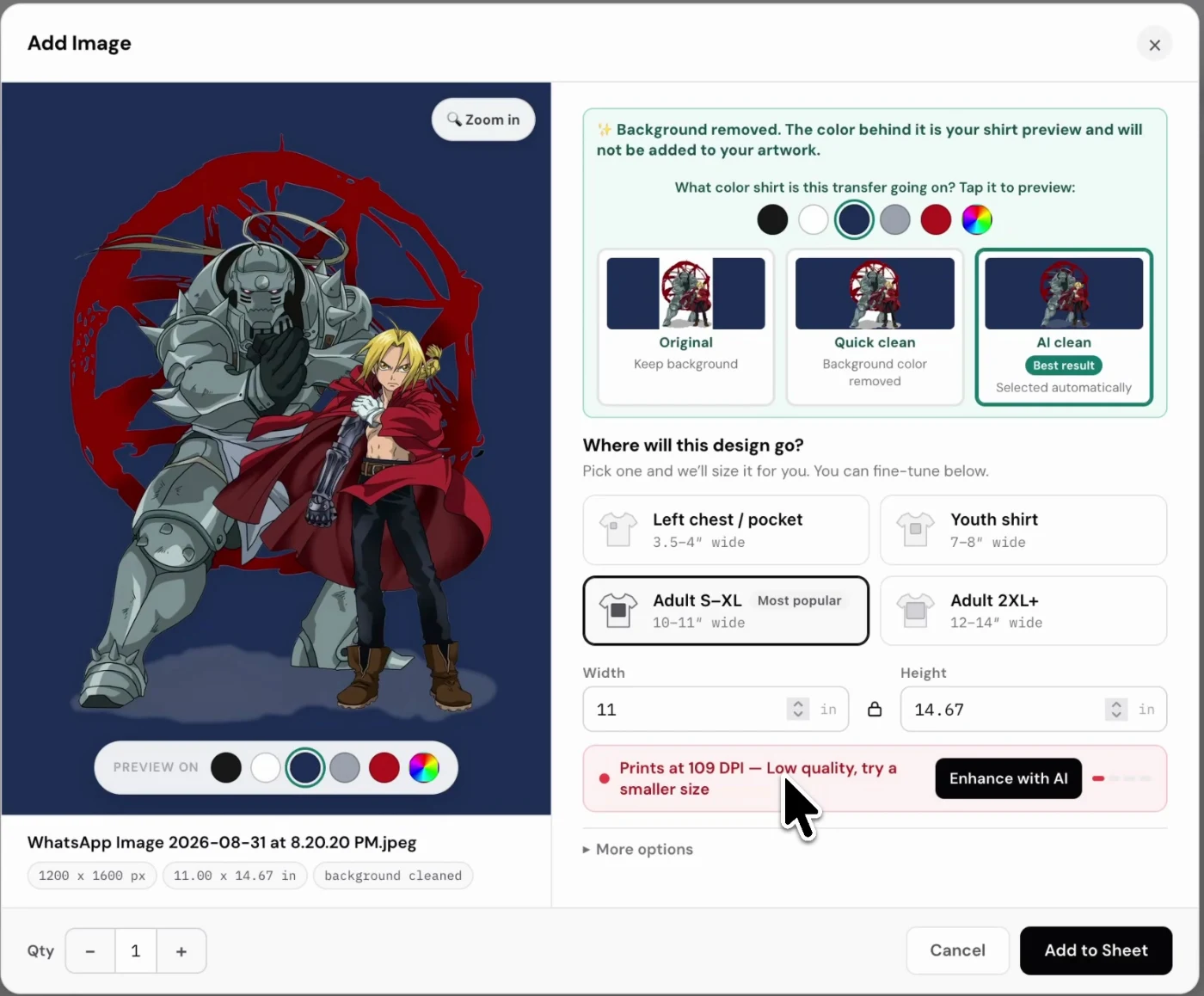
Artwork help · Video + screenshots
Remove an artwork background
Compare Quick clean and AI clean, check your edges, and preview the artwork on a shirt color.
Help me clean up my artwork →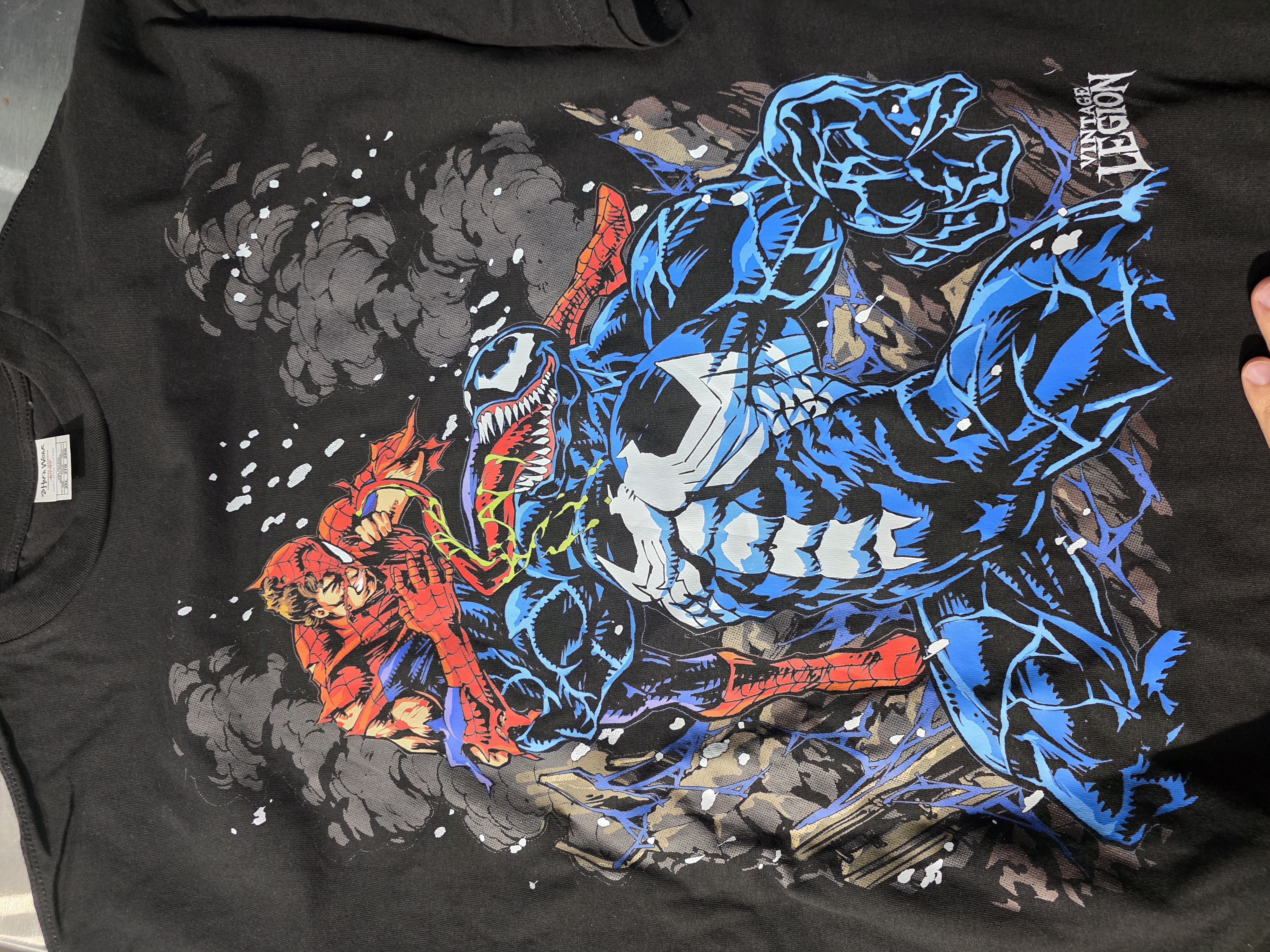
Artwork help · Video + real print
Use halftones & knockout
Let the shirt show through parts of your design. Follow the controls and see the actual printed result.
Show me halftones & knockout →Your transfers have arrived
Ready to press them?
Get the temperature, timing, peel instructions, finishing press, and wash-care steps in one guide.
- Temperature
- 285–305°F
- First press
- 7 seconds
- Pressure
- High
- Finish
- 3–5 seconds
Plan your project & order
What size sheet do I need?
Estimate how many transfers fit and the sheet length required.
Open the size calculator →Questions before I order
File formats, resolution, shipping, pickup, and common transfer questions.
Find an answer →Where do I pick up my order?
Find our Grand Prairie location and local pickup information.
See pickup details →What is DTF printing?
Understand the process and how transfers are made and applied.
Learn the basics →DTF or screen printing?
Compare the methods for your artwork, quantities, and project.
Compare printing methods →Try a sample first
Test a DallasDTFHouse transfer on your own garment and heat press.
Get a free sample →Still stuck? We’re here to help.
Tell us what you’re trying to do and where you got stuck. Include a screenshot or photo if it helps explain the problem.
Contact our team →Find this page anytime: choose Help & Guides in the top navigation or mobile menu. There’s also a link at the top of the builder.